WHATSAPP BUSINESS API GUIDE
WhatsApp Business API: What It Is, How It Works, and How Businesses Use It
The WhatsApp Business API is designed for businesses that need to manage
customer communication at a larger scale than the standard WhatsApp Business app allows.
It enables businesses to connect WhatsApp with software such as CRM systems,
customer-support tools, marketing platforms, automation workflows and AI assistants.
The WhatsApp Business Platform includes WhatsApp Business APIs, including the Cloud API
hosted by Meta.
The important difference is that the API is not simply a bigger version of the
WhatsApp app. It is a business communication infrastructure that
allows companies to build structured conversations, automate workflows, manage teams
and connect WhatsApp with other business systems.
In this guide, you will learn what WhatsApp Business API is, how it works,
who should use it, its major business use cases, messaging templates,
automation, CRM integration, AI, benefits, limitations and common mistakes.
Quick Answer: What Is WhatsApp Business API?
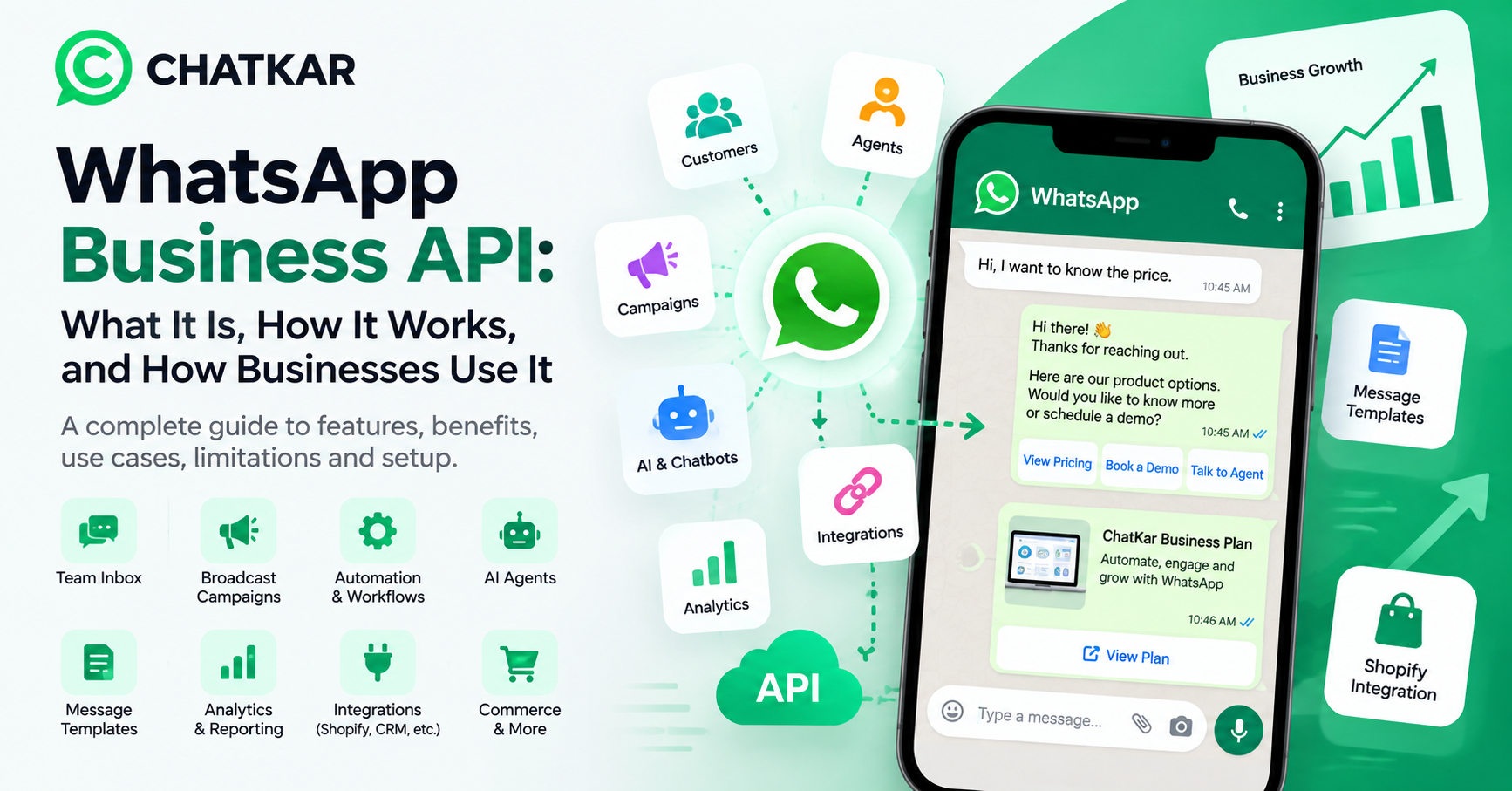
WhatsApp Business API is the business-facing technology that allows companies
to connect WhatsApp with software systems and automate customer communication at scale.
Businesses can use it to:
👥 Team Inbox
Manage customer conversations across multiple team members.
⚙️ Automation
Automate replies, workflows and repetitive processes.
📣 Campaigns
Run supported WhatsApp campaigns using approved templates.
🔗 Integrations
Connect WhatsApp with CRM, e-commerce and other systems.
🤖 AI & Chatbots
Build automated and AI-assisted customer experiences.
📊 Reporting
Track communication and campaign activity through connected software.
The WhatsApp Business Platform has specific messaging and policy requirements.
Businesses can initiate conversations using approved message templates, while
replies to a user's message can be sent without a template during the applicable
24-hour customer-service window.
Read the official WhatsApp Business Policy →
Key Takeaways
- WhatsApp Business API is designed for software-based business communication.
- It is useful when conversations need automation, multiple users, integrations or higher operational scale.
- Businesses must follow WhatsApp's messaging policies and applicable consent requirements.
- Approved templates are important for business-initiated messaging.
- API-based communication is different from simply using the WhatsApp Business application.
- The API becomes more useful when combined with CRM, automation, analytics and customer-support workflows.
What Is WhatsApp Business API?
WhatsApp Business API is part of the WhatsApp Business Platform
and allows businesses to connect WhatsApp with their own software and business tools.
The API itself does not function like the regular WhatsApp mobile application.
Instead, it acts as a communication layer between WhatsApp and software applications.
Customer
→
WhatsApp
→
WhatsApp Business Platform / API
→
Business Software
→
CRM / Automation / AI / E-commerce
This architecture allows a business to build processes around WhatsApp instead of
treating every conversation as a separate manual chat.
WhatsApp Business App vs WhatsApp Business API
These two products are often confused, but they solve different business problems.
| Feature |
WhatsApp Business App |
WhatsApp Business API |
| Designed for |
Small businesses and manual communication |
Businesses using software and structured workflows |
| Multiple team members |
Limited |
Supported through compatible business software |
| Automation |
Basic |
Advanced |
| CRM integration |
Limited |
Yes |
| Workflow automation |
Limited |
Yes |
| Message templates |
Basic business features |
Approved API templates |
| Campaign management |
Limited |
Can be managed through compatible API-based platforms |
| Analytics |
Basic |
Can be more extensive through connected software |
| AI integration |
Limited |
Can be integrated into business workflows |
| Custom workflows |
Limited |
Yes |
Which One Should a Business Use?
A small business handling a manageable number of conversations manually may be
comfortable with the WhatsApp Business app.
A business that needs multiple agents, lead routing, automation, CRM integration,
campaigns, analytics or AI workflows generally has a stronger use case for
API-based communication.
Bottom line: The right option depends on business size,
communication volume, workflow complexity and operational requirements.
How Does WhatsApp Business API Work?
The process can be understood in five simple stages.
1. Business Setup
The business establishes its WhatsApp Business presence and connects it through
the WhatsApp Business Platform.
Depending on the setup, this can involve Meta business assets, a WhatsApp Business
Account, phone-number configuration and other applicable Meta requirements.
ChatKar supports connecting businesses through Meta's onboarding flow and
WhatsApp Business Platform capabilities.
Explore ChatKar
2. WhatsApp Connects With Business Software
The API connects WhatsApp with software that manages business operations.
WhatsApp
ChatKar
CRM
Sales Team
ChatKar provides capabilities such as team inboxes, flows, campaigns,
templates, Meta Ads and Click-to-WhatsApp workflows, AI agents, catalogs,
appointments, integrations and API/webhook connectivity.
Explore ChatKar Features →
3. Customer Sends a Message
I want to know the price.
The message reaches the business platform. An automated workflow can then:
- Receive the message
- Identify the intent
- Provide an answer
- Ask a qualifying question
- Assign the conversation to a salesperson
- Store the lead information
4. Business Sends a Message
The business can respond through:
- A human agent
- Automated replies
- Approved message templates
- Workflow automation
- Chatbots
- AI-assisted responses
Business-initiated conversations generally require approved message templates.
When a customer has already messaged the business, the business can reply without
a template during the applicable 24-hour customer-service window.
5. Data Becomes Part of the Workflow
The real value of the API appears when WhatsApp conversations are connected
to other business functions.
Lead
→
WhatsApp
→
Qualification
→
CRM
→
Salesperson
→
Follow-up
→
Conversion
This turns WhatsApp from a simple messaging channel into part of a business process.
What Can Businesses Do With WhatsApp Business API?
1. Customer Support
Businesses can create a structured support system around WhatsApp.
- Order questions
- Product support
- Delivery updates
- Complaint handling
- Frequently asked questions
- Human-agent escalation
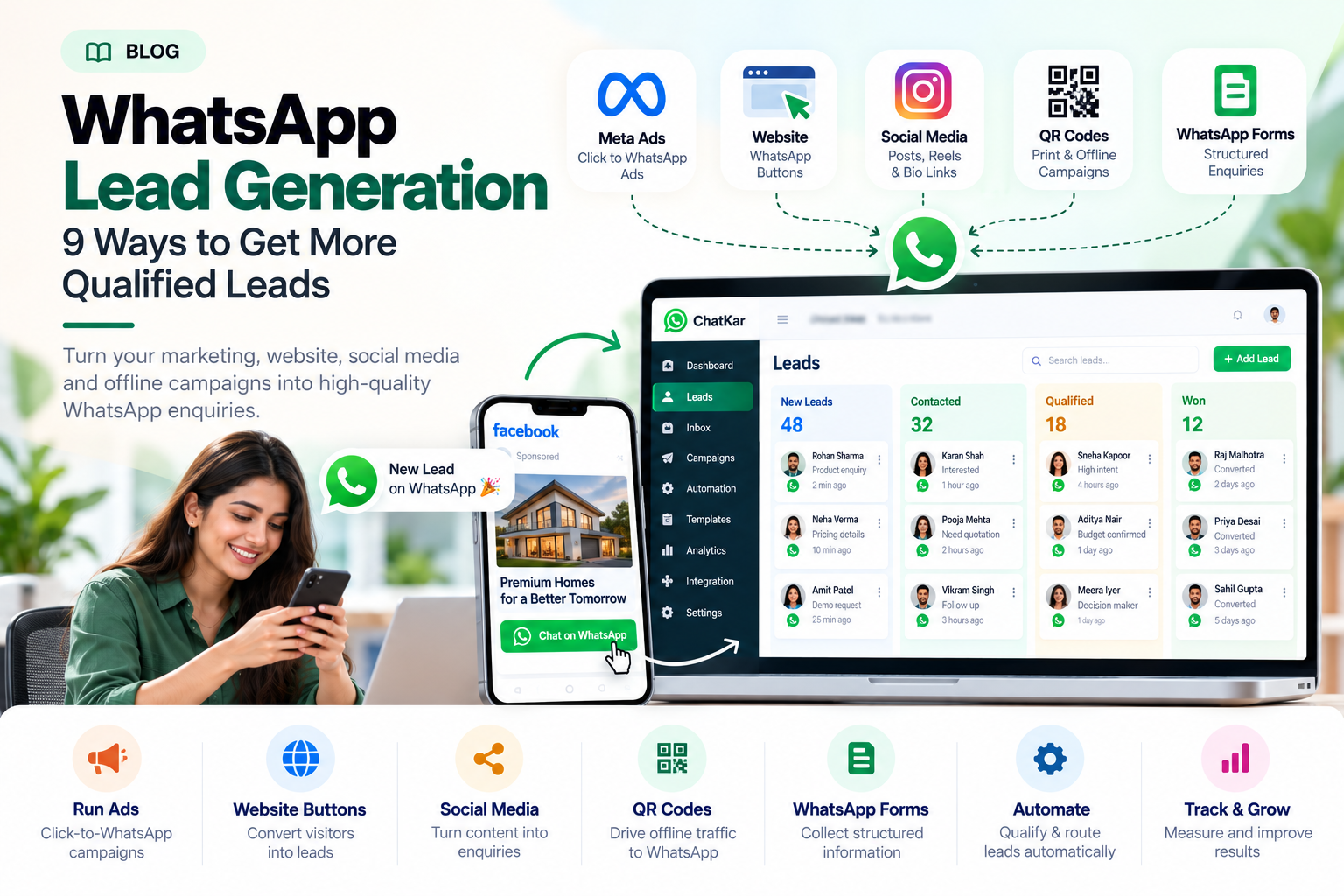
2. Lead Generation
Businesses can use WhatsApp as part of their lead-generation process.
Advertisement
→
Click to WhatsApp
→
Automated Greeting
→
Qualification
→
Lead Capture
→
Sales Agent
ChatKar supports Meta Ads and Click-to-WhatsApp workflows for lead-generation use cases.
3. Sales Follow-Ups
Sales teams often lose leads because follow-ups are inconsistent.
- New-lead follow-up
- Appointment reminders
- Quote follow-up
- No-response reminders
- Product recommendations
- Sales-team assignment
The objective is not to automate every conversation. The objective is to make
useful follow-up more consistent while keeping the customer experience clear.
4. Marketing Campaigns
Businesses can use approved WhatsApp message templates for business-initiated
communications and campaigns where permitted.
- Product launches
- Promotions
- Customer reactivation
- Event invitations
- Product recommendations
- Seasonal campaigns
Businesses must follow WhatsApp's messaging policies and applicable consent
requirements. Unsolicited messaging can create policy, compliance and
customer-experience problems.
WhatsApp Business API for Team Communication
One of the biggest reasons businesses move from manual WhatsApp management to
an API-based system is team collaboration.
Imagine a company receiving hundreds of customer conversations every day.
- Who is handling a customer?
- Has someone already replied?
- What did the customer ask previously?
- Is the lead being followed up?
- Which salesperson owns the conversation?
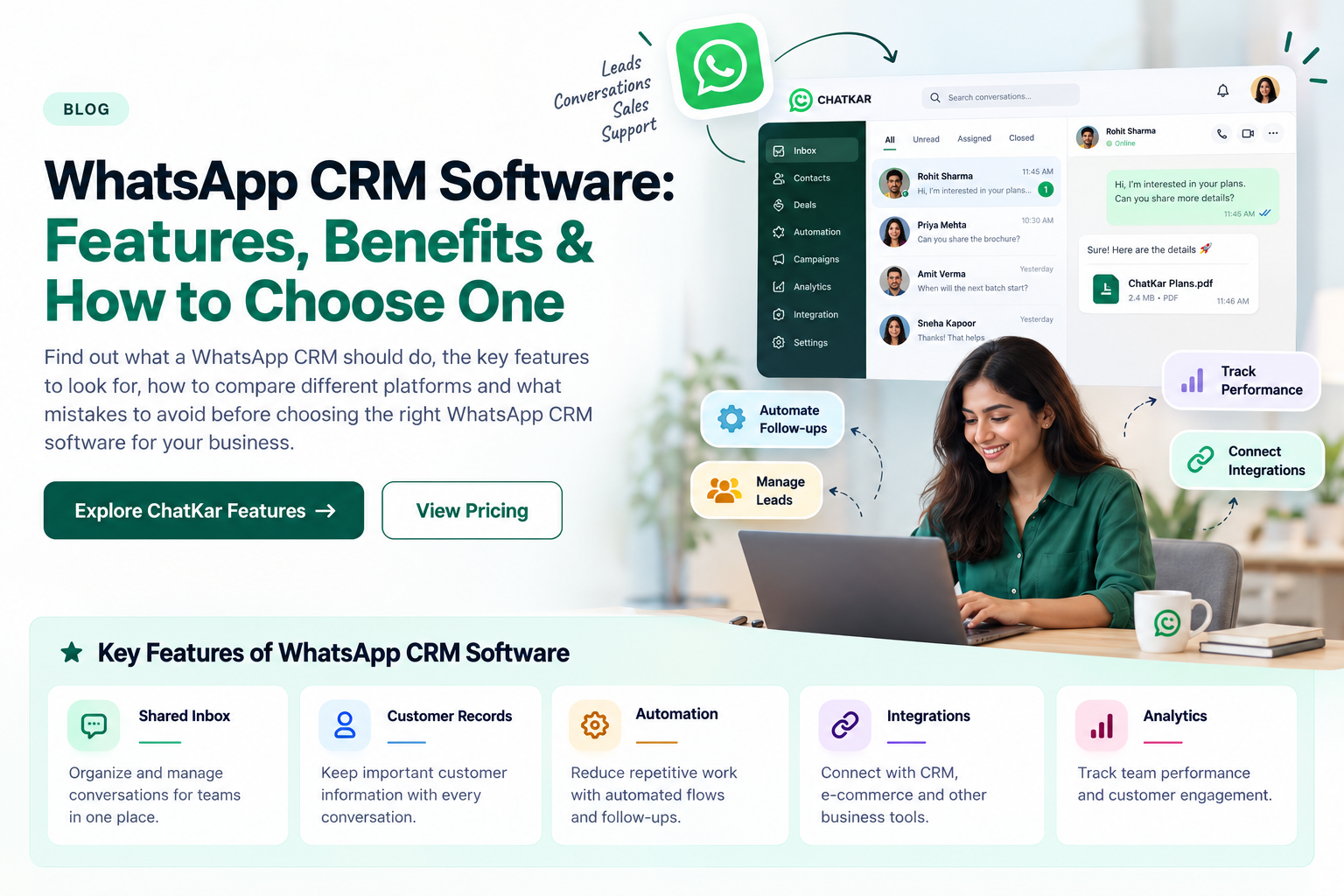
A shared inbox can help teams manage assignments, customer history and
conversation ownership from a structured workspace.
See ChatKar team inbox capabilities →
WhatsApp API and CRM Integration
Connecting WhatsApp with a CRM allows customer conversations to become part
of the broader sales process.
Website Lead
→
CRM Lead
→
WhatsApp
→
Customer Reply
→
Qualification
→
Sales
→
Follow-Up
Instead of keeping customer information inside an isolated chat, the business
can connect communication to the rest of the customer journey.
ChatKar supports integrations and API/webhook connectivity for connecting
WhatsApp workflows with other business systems.
Explore ChatKar Integrations →
WhatsApp Business API for E-Commerce
E-commerce is another strong use case for WhatsApp Business API.
Product Discovery
→
WhatsApp
→
Product Information
→
Cart
→
Order Confirmation
→
Shipping Update
→
Support
ChatKar provides commerce-oriented capabilities and integrations that can
connect customer communication with e-commerce workflows.
WhatsApp Business API and AI
The API can also become a foundation for AI-assisted customer communication.
AI can help with:
Frequently asked questions
Product information
Lead qualification
Customer support
Knowledge-base responses
Conversation routing
However, AI should not replace every human interaction. For complex, sensitive
or high-value conversations, businesses should provide a clear route to a human representative.
ChatKar includes AI-related capabilities designed for automated responses,
AI agents and knowledge-based customer communication workflows.
Explore ChatKar AI Features →
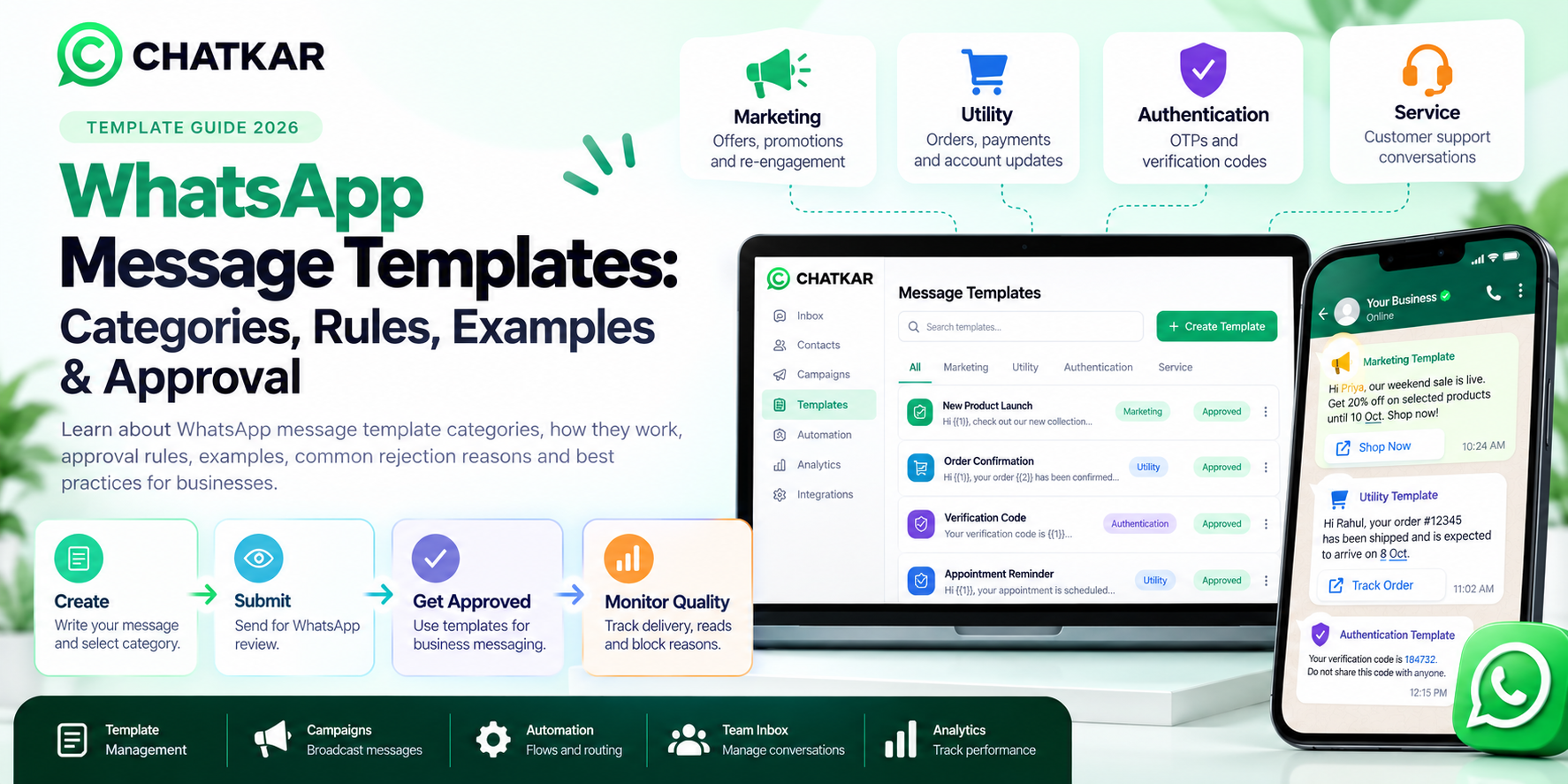
WhatsApp Message Templates
Message templates are an important part of WhatsApp API communication,
particularly for business-initiated conversations.
Order Confirmation
Hi {{1}}, your order {{2}} has been confirmed and is being prepared.
Appointment Reminder
Hi {{1}}, this is a reminder that your appointment is scheduled for {{2}} at {{3}}.
Depending on the supported template format, businesses can use elements such as:
- Text
- Variables
- Buttons
- Media
- Supported interactive elements
Templates must follow WhatsApp's current requirements and designated purpose.
Meta may review, approve, pause or reject message templates.
ChatKar provides tools for creating and managing WhatsApp message templates
as part of its business messaging workflows.
Learn About ChatKar Templates →
What Is the 24-Hour WhatsApp Customer-Service Window?
This is one of the most important concepts for businesses using WhatsApp API.
When a customer messages a business, the business can respond without using
a message template during the applicable 24-hour customer-service window
from the customer's last message.
Outside that window, business-initiated communication generally requires
an approved message template under the applicable WhatsApp rules.
Example
Customer:
I need help with my order.
Business:
Sure. Please share your order number.
This type of response can be sent within the applicable customer-service window
without requiring a business-initiated template.
If the business wants to start a new conversation outside that window,
an appropriate approved template may be required.
View the official WhatsApp Business Policy →
Is WhatsApp Business API Good for Every Business?
Not necessarily. The right setup depends on the business's communication volume,
team size, workflow complexity and automation requirements.
WhatsApp API Can Be a Strong Fit When:
- Multiple customer-service or sales agents are involved
- Lead management is needed
- CRM integration is required
- Automated follow-ups are useful
- Campaigns and message templates are needed
- Chatbots or AI assistance are required
- E-commerce workflows need WhatsApp communication
- Reporting and structured workflows matter
The Regular WhatsApp Business App May Be Enough When:
- One person manages communication
- Message volume is low
- Most replies are manual
- There is little need for automation
- CRM integration is not required
- Complex workflows are unnecessary
The best option is the one that matches the way your business actually
handles customer communication.
Pros and Cons of WhatsApp Business API
Advantages
Scalability
Businesses can build structured communication workflows instead of relying entirely on manual replies.
Team Collaboration
Multiple people can work on customer conversations through compatible business software.
Automation
Tasks such as routing, reminders, qualification and notifications can be automated.
CRM Integration
Customer communication can be connected with sales and support systems.
Campaign Management
Businesses can run structured messaging campaigns using supported templates and workflows.
AI Integration
AI can assist with replies, qualification, knowledge-base questions and customer-service workflows.
Limitations
Policy Compliance Is Required
Businesses must follow WhatsApp Business policies and applicable legal requirements.
Customer Consent Matters
Businesses should not use purchased or scraped contact lists for unsolicited WhatsApp communication.
Businesses are responsible for obtaining the permissions and consents required for their communications.
Templates Have Rules
Business-initiated messaging outside the applicable customer-service window requires
approved templates under the relevant WhatsApp requirements.
Costs Exist
There can be both platform or software subscription costs and WhatsApp messaging costs.
WhatsApp pricing can change, so businesses should verify current rates before preparing a budget.
Automation Does Not Mean No Humans
Complex customer conversations may still need human support and escalation.
Check official WhatsApp Business Platform pricing →
WhatsApp Business API Security and Compliance
A serious WhatsApp implementation should consider more than simply sending messages.
Customer consent
Privacy policy
Data handling
Access controls
API security
Webhook security
Data retention
Regulatory requirements
WhatsApp's business policies place responsibility on businesses to obtain
required permissions and consents and comply with applicable laws and policies.
ChatKar also provides privacy and acceptable-use documentation for businesses using its platform.
ChatKar Privacy Policy
|
ChatKar Acceptable Use Policy
Common WhatsApp Business API Mistakes
1. Treating the API Like a Bulk-SMS System
WhatsApp is not simply an unrestricted bulk-messaging channel.
Businesses need to design communication around customer expectations,
consent and applicable messaging rules.
2. Sending Unsolicited Messages
Purchased, scraped or harvested contact lists can create policy,
compliance and customer-experience problems.
3. Using the Wrong Template Category
Templates need to match their intended purpose and current WhatsApp requirements.
4. Automating Everything
Automation should remove repetitive work, not make customer service impossible to reach.
5. Ignoring Follow-Ups
Installing an API is not a strategy. Businesses need actual workflows around it.
6. Using WhatsApp Without Lead Tracking
For sales teams, conversations should connect to a broader lead-management process.
WhatsApp Business API Use Cases by Industry
E-Commerce
- Order updates
- Cart recovery
- Product communication
- Customer support
- Repeat-purchase campaigns
Real Estate
- Lead qualification
- Property enquiries
- Site-visit scheduling
- Follow-ups
- Sales-agent assignment
Education
- Enquiry handling
- Counselling
- Admission reminders
- Application updates
- Student communication
Healthcare
- Appointment reminders
- Service information
- Support communication
Service Businesses
- Appointment booking
- Reminders
- Quotes
- Follow-ups
- Customer support
Healthcare organizations should pay particular attention to applicable privacy,
regulatory and WhatsApp policy requirements when handling sensitive information.
WhatsApp Business API Example
Consider a real-estate company receiving leads from Meta Ads.
Traditional Process
Ad → Phone Call → Manual Follow-Up → Lead May Be Missed → No Centralized History
API-Based Process
Ad → Click to WhatsApp → Automated Welcome → Qualification →
Lead Assignment → Site Visit → Reminder → Follow-Up
This is where the API becomes more than a messaging tool. It becomes part
of the company's customer-acquisition workflow.
CHATKAR
How ChatKar Fits Into WhatsApp Business API
ChatKar is a business communication and customer-engagement
platform built around WhatsApp Business Platform capabilities and connected
business workflows.
ChatKar provides capabilities such as:
- Team inbox
- Broadcasts
- Flow builder
- WhatsApp campaigns
- Message templates
- Auto-replies
- Meta Ads and Click-to-WhatsApp workflows
- AI agents
- Catalog and commerce capabilities
- Appointments
- Webhooks and API
- CRM and e-commerce integrations
- Analytics and reporting
These capabilities are designed to work together rather than operate as
isolated tools.
Campaign
→
Customer Reply
→
Team Inbox
→
Flow
→
CRM
→
Sales Follow-Up
This connected workflow is one of the key reasons businesses may choose
a WhatsApp management platform instead of managing the API layer and
customer operations separately.
Frequently Asked Questions
What is WhatsApp Business API?
WhatsApp Business API is the technology businesses use to connect WhatsApp
with software systems, automation, customer-service tools, CRM systems
and other business applications.
Is WhatsApp Business API free?
The software platform and WhatsApp messaging charges are separate considerations.
WhatsApp messaging costs depend on the applicable Meta pricing model, while a
provider such as ChatKar may charge a separate platform or subscription fee.
Always verify current pricing before implementation.
Can multiple employees use WhatsApp Business API?
Yes. API-based systems can support team workflows such as shared inboxes,
assignment and routing through compatible business software.
Can I automate WhatsApp messages?
Yes. Businesses can build supported automated workflows, replies, notifications
and campaigns. However, automation must comply with WhatsApp's messaging,
consent and business policies.
Can I connect WhatsApp API with a CRM?
Yes. WhatsApp can be connected with CRM platforms and other business software
through APIs and integrations.
Can I use AI with WhatsApp Business API?
Yes. AI can be integrated for use cases such as automated responses,
customer support, lead qualification and agent assistance, subject to
implementation and applicable policies.
Do I need the WhatsApp Business App to use the API?
Not necessarily. Businesses can connect through the WhatsApp Business Platform
using supported onboarding methods.
Can I send unlimited promotional messages?
No. Businesses must follow WhatsApp's current messaging policies, template
requirements, consent requirements and applicable pricing rules.
Unsolicited bulk messaging can violate WhatsApp policies.
Is WhatsApp Business API suitable for small businesses?
It can be useful when a small business needs automation, CRM integration,
multiple team members or structured customer communication. Businesses with
very simple communication needs may find the regular WhatsApp Business app sufficient.
Final Thoughts
WhatsApp Business API is best understood as a business communication
infrastructure, not simply a bulk messaging tool.
It becomes valuable when a company needs to connect customer conversations
with its wider operations, including sales, support, marketing, CRM,
e-commerce, automation and AI.
The right implementation starts with the business workflow:
- What happens when a customer enquires?
- Who responds?
- What happens when there is no response?
- How is the lead tracked?
- How does the team collaborate?
- When should automation stop and a human take over?
Once those questions are answered, WhatsApp Business API can become
a powerful part of the customer journey.
For businesses looking to manage WhatsApp conversations, automation,
campaigns, team inboxes, AI and integrations from one platform,
ChatKar provides these capabilities through a unified
business communication platform.
Ready to Build a Smarter WhatsApp Workflow?
Move beyond manual WhatsApp management and connect conversations with
automation, team collaboration, CRM, campaigns and AI.
Explore ChatKar